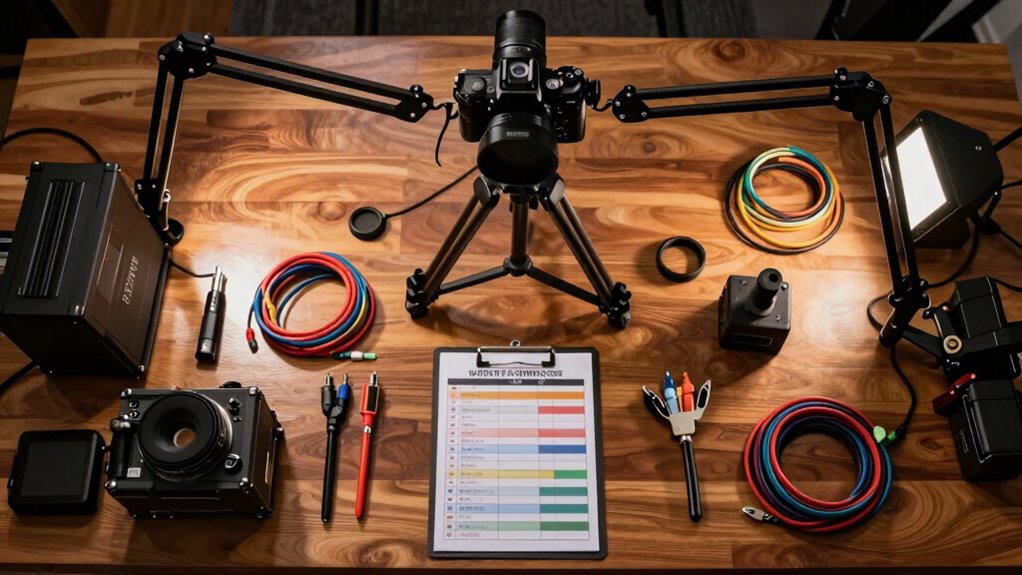

To set up your overhead video, start with a sturdy tripod or an overhead rig for stability. A clamp mount is perfect for smartphone shots. Use gimbals or fluid head tripods to minimize shake, ensuring smooth footage. Invest in softbox or ring lights to evenly illuminate your setup without harsh shadows. Don’t forget to check your audio with a quality microphone for clarity. Stick around to discover more tips for achieving that perfect overhead shot!

Get kitchen gear delivered free — and shop member deals
- Fast, free delivery on millions of items
- Access to Prime Big Deal Days deals on October 6–7
- Prime Video, Amazon Music and more included
Key Takeaways
- Use a sturdy tripod or overhead rig to ensure stability and prevent shaking during recording.
- Consider a clamp mount for secure overhead smartphone shots, enhancing versatility.
- Employ gimbals or fluid head tripods to achieve smooth footage while adjusting angles.
- Check that all equipment is properly stabilized to avoid unwanted movement in the video.
- Regularly inspect and adjust your setup to maintain optimal positioning and balance.

When you’re ready to create engaging overhead videos, having a solid setup checklist can make all the difference. You want your viewers to be captivated, and that starts with a well-thought-out plan. First, let’s talk about camera angles. Position your camera directly above your subject to create that immersive overhead effect. Experiment with different angles to find what showcases your content best. Remember, a slight tilt can add depth, so don’t hesitate to play around with positioning.
Next, let’s explore lighting tips. Good lighting can make or break your video. Natural light is great, but if you’re indoors, invest in softbox lights or ring lights that provide even illumination. Avoid harsh shadows by diffusing your lights; this creates a flattering look for your subject. Don’t forget to check your lighting setup before recording—adjustments can dramatically improve your video quality.
Good lighting is essential; use softbox or ring lights to achieve even illumination and avoid harsh shadows for a polished look.
When it comes to equipment recommendations, a sturdy tripod or overhead rig is fundamental for stability. If you’re using a smartphone, consider a clamp mount designed for overhead shots. Stabilization techniques are essential too. If you’re filming with a camera, use a gimbal or tripod with fluid head to minimize shake. For smartphones, there are various stabilizers available that can help you achieve smooth footage. Additionally, ensuring your equipment is properly stabilized will help prevent shaky footage and produce professional-looking videos. Incorporating proper stabilization techniques can greatly enhance the overall quality of your footage. Understanding the importance of camera stability can further improve your results, especially when capturing overhead shots from different angles.
Framing strategies should also be on your checklist. Confirm that your subject fits well within the frame, keeping in mind the rule of thirds for visual interest. If your video involves multiple items, lay them out in a way that guides the viewer’s eye across the screen. This can enhance your storytelling and keep the audience engaged. Additionally, understanding camera angles can help you create more dynamic and engaging content.
Audio considerations are often overlooked, but they’re significant. If you’re recording voiceovers, use a quality microphone to guarantee clarity. For ambient sounds, consider a shotgun mic positioned close to your subject. Double-check your audio levels during recording to avoid post-production headaches.
Speaking of post-production advice, don’t skip this step. Use editing software to enhance your video further—adjust colors, trim unwanted footage, and sync audio to guarantee a polished final product. Incorporating background music can elevate your video, but make sure it complements rather than distracts from your content. Keep in mind that audio quality is just as crucial as visual clarity for a professional result.
As an affiliate, we earn on qualifying purchases.
Frequently Asked Questions
What Equipment Is Best for Outdoor Overhead Video Setups?
For outdoor overhead video setups, you’ll want to prioritize sturdy tripod selection and effective camera stabilization. Choose a tripod with a high weight capacity and adjustable legs to handle uneven terrain. A gimbal stabilizer can help keep your footage smooth, especially in windy conditions. Don’t forget to use a good quality camera with a wide-angle lens to capture everything clearly. With the right gear, you’ll create professional-looking videos that stand out.
How Do I Ensure Proper Lighting for Overhead Shots?
Think of lighting as the paintbrush that colors your canvas. To guarantee proper lighting for overhead shots, use a combination of natural light and strategic lighting techniques. Position your subject to maximize sunlight, avoiding harsh shadows. If the sun’s not cooperating, consider softboxes or LED panels to create even illumination. Experiment with angles and intensity until you find the right balance, making your shots vibrant and engaging. You’ll see the difference!
Can I Use a Smartphone for Overhead Video Recording?
Yes, you can absolutely use a smartphone for overhead video recording! To guarantee smartphone stability, invest in a good tripod or mount. This keeps your shots steady and professional. For app recommendations, try Filmic Pro for advanced controls or the native camera app for simplicity. Both options allow you to adjust settings easily, ensuring your overhead shots look fantastic. Just make sure to check your lighting for the best results!
What Are Common Mistakes to Avoid in Overhead Video Setups?
When you’re baking a cake, you wouldn’t ignore the recipe, right? Similarly, in overhead video setups, avoid common mistakes like poor camera angles and sloppy frame composition. Make sure your subject is well-lit and centered. Don’t forget to stabilize your mount; shaky footage can ruin your hard work. Finally, always check your background—clutter can distract viewers. Keep these tips in mind, and your videos will shine like that perfect cake!
How Do I Edit Overhead Videos Effectively?
To edit overhead videos effectively, start by choosing the right video editing software options, like Adobe Premiere Pro or Final Cut Pro. Import your footage and trim unnecessary parts for a polished look. Use shifts and effects to enhance the visuals, but keep them subtle. Adjust the audio levels for clarity, and consider adding background music. Finally, export your video in a suitable format, ensuring it’s optimized for your intended platform.
smartphone clamp mount for overhead shots
As an affiliate, we earn on qualifying purchases.
As an affiliate, we earn on qualifying purchases.
Conclusion
To sum up, you’ve got everything you need for a successful overhead video setup: you’ve secured the right mount, positioned your camera perfectly, and checked your lighting. You’re ready to capture stunning visuals, engage your audience, and showcase your creativity. So, embrace the process, enjoy the journey, and let your vision shine through. With each step taken, you’re not just setting up a video; you’re creating a masterpiece that reflects your unique style and passion.
gimbal stabilizer for smartphones
As an affiliate, we earn on qualifying purchases.
As an affiliate, we earn on qualifying purchases.
As an affiliate, we earn on qualifying purchases.
Fall Picks
fall essentials
As an affiliate, we earn on qualifying purchases.