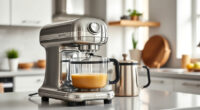
If your Breville Bambino Plus espresso machine isn’t heating, it can be frustrating, especially when you’re craving a fresh cup of coffee. Several common issues can cause this problem, from simple user errors to hardware faults. This guide provides practical, step-by-step solutions to diagnose and fix the heating issue safely, ensuring you get back to brewing your favorite espresso in no time.
Always prioritize safety: unplug your machine before performing any maintenance or troubleshooting steps. Follow each step carefully and consult the manufacturer’s instructions if needed.
Key Takeaways
| Check power and settings | Ensure the machine is plugged in and the power switch is on. |
| Inspect the water level | Low water levels can prevent the heating system from activating. |
| Verify the temperature settings | Make sure the machine’s temperature controls are correctly set. |
| Look for error messages | Any alerts or blinking lights might indicate specific issues. |
| Perform a reset or descaling | Sometimes, mineral buildup or software glitches can cause heating failure. |
Step 1: Power and Basic Checks
- Ensure the machine is plugged into a working outlet.
- Verify the power switch is turned on.
- If the machine has a standby or sleep mode, wake it up according to the user manual.
Step 2: Check Water Level and Water Filter
- Open the water reservoir and confirm it has enough water.
- Remove and inspect the water filter (if applicable). Make sure it isn’t clogged or dirty.
Step 3: Review Temperature Settings
Consult your Breville Bambino Plus manual to verify the temperature settings. Adjust if necessary, and wait a few minutes for the machine to heat up.
Step 4: Reset and Descale
- Unplug the machine and wait 30 seconds before plugging it back in.
- Perform a descaling process if the machine has been used extensively, following the instructions with descaling tablets.
Step 5: Troubleshoot Hardware Faults
If the above steps don’t resolve the issue, inspect the power cord and internal components for damage. Contact Breville support or a qualified technician for further diagnosis.
The Products in This Guide

Breville Bambino Plus
- ✔ Power: 1600W
- ✔ Voltage: 120V
- ✔ Warranty: 1-year limited

Breville BEC250 Espresso Machine Cleaning Tablets
- ✔ Size: 8 tablets
- ✔ Safety: Food-grade ingredients
- ✔ Manufacturer: Breville
Breville Bambino Plus
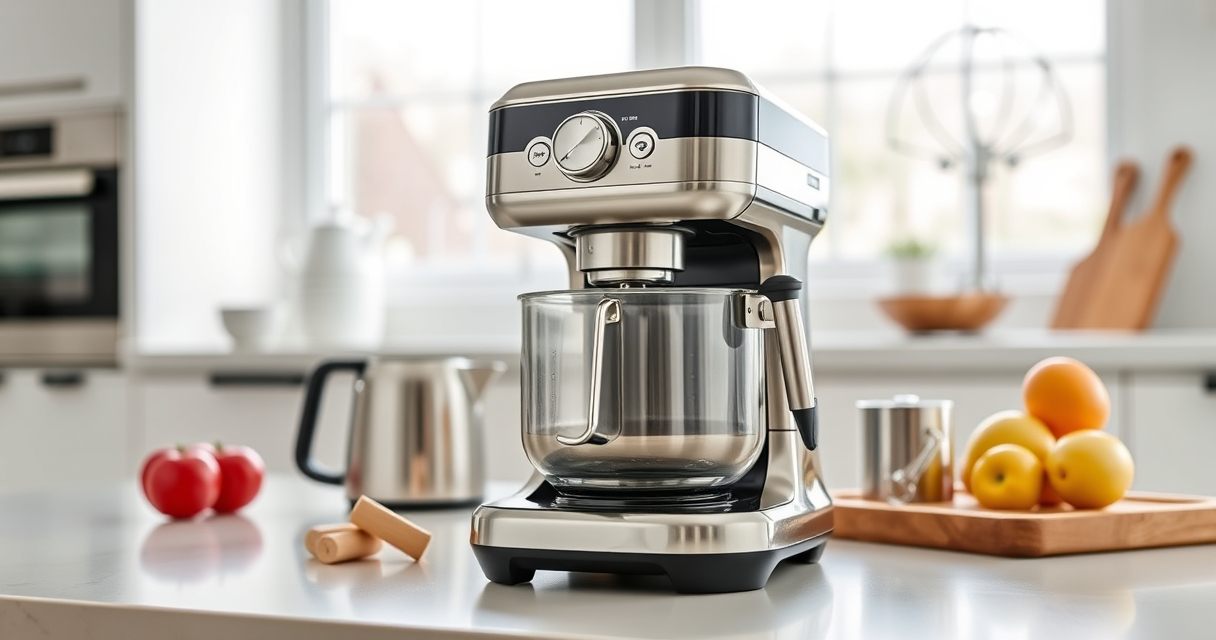
<p>The Breville Bambino Plus offers quick heat-up times and reliable espresso extraction, making it a top choice for home baristas. Its ThermoJet heating system ensures fast readiness, but like all appliances, it can face heating issues due to internal faults or user errors.</p>
Pros:
- Fast heat-up time
- Compact design
- Easy to use
- High-quality espresso
Cons:
- Possible heating faults
- Requires regular descaling
- Water filter replacements needed
Best for: Home espresso enthusiasts seeking cafe-quality results
Not ideal for: Users looking for a machine with advanced digital controls or multiple boiler functions
Bottom line: The Breville Bambino Plus is a reliable, high-quality espresso machine that may need troubleshooting if it doesn’t heat properly.
Breville BEC250 Espresso Machine Cleaning Tablets
<p>Using Breville BEC250 Cleaning Tablets helps maintain your espresso machine by removing coffee oils and residues that can impair heating and performance. Regular cleaning can prevent many heating issues caused by mineral buildup or blockages.</p>
Pros:
- Prolongs machine life
- Ensures consistent flavor
- Safe and food-grade ingredients
- Easy to use
Cons:
- Requires regular use
- Additional cost
- Must follow instructions carefully
Best for: Maintaining optimal performance of your Breville espresso machine
Not ideal for: If your machine is already experiencing hardware faults, cleaning alone won’t fix heating issues
Bottom line: Regular cleaning with Breville tablets keeps your machine running smoothly and can prevent heating issues.
Frequently Asked Questions
Why is my Breville Bambino Plus not turning on?
Check the power outlet, ensure the power switch is on, and verify the power cord is undamaged and properly connected.
Can mineral build-up cause heating problems?
Yes, mineral deposits from tap water can clog internal components, leading to heating issues. Regular descaling can prevent this.
How often should I descale my Breville Bambino Plus?
It’s recommended to descale every 2-3 months or more frequently if you use hard tap water regularly.
What should I do if my machine still doesn’t heat after troubleshooting?
Contact Breville customer support or a certified technician for professional diagnosis and repair.
Get Your Espresso Back on Track
By following these troubleshooting steps, you can often resolve common heating issues with your Breville Bambino Plus. Regular maintenance, such as descaling and cleaning, plays a significant role in preventing future problems. If issues persist, professional repair may be necessary, but most users can restore their machine’s functionality with simple checks and adjustments.
Affiliate disclosure: As an Amazon Associate we earn from qualifying purchases. Prices and availability are accurate as of the time of publishing.