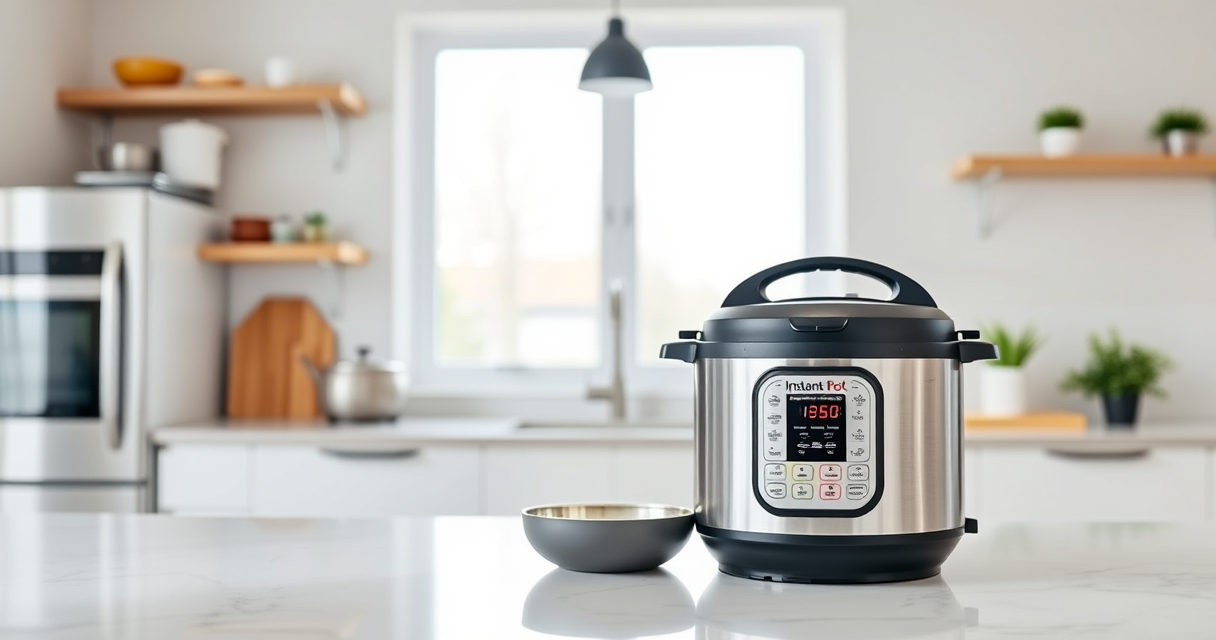
The Instant Pot burn error can be frustrating, especially when you’re in the middle of preparing a meal. This error usually occurs when the appliance detects that food is sticking to the bottom or there’s excessive pressure buildup. Fortunately, most causes are simple to identify and fix, allowing you to get back to cooking quickly and safely.
In this guide, you’ll find clear, step-by-step instructions to troubleshoot and resolve the burn error, along with safety tips and preventive measures to avoid future issues while using your Instant Pot.
Key Takeaways
| Common Cause | Food sticking or burning on the bottom |
| Immediate Fix | Add liquid or deglaze the pot |
| Prevention Tip | Avoid thick sauces or pastes without enough liquid |
| Safety Reminder | Always release pressure before opening |
| Component Check | Ensure sealing ring and float valve are clean |
Identify the Burn Error
The burn error appears on your Instant Pot display with a warning message, often accompanied by the device shutting down or stopping cooking. It indicates that the pot has detected potential burning or overheating, typically caused by food sticking to the bottom or insufficient liquid.
Step 1: Turn Off and Release Pressure
- Press ‘Cancel’ to stop the cooking cycle.
- Carefully release the pressure using the quick-release valve or natural release, depending on your recipe and safety considerations.
Step 2: Remove and Inspect the Inner Pot
- Open the lid once the pressure is fully released.
- Carefully lift out the inner pot and check for burnt or stuck food at the bottom.
Step 3: Clean and Deglaze
- Wash the inner pot thoroughly with warm, soapy water.
- For stuck-on food, add a small amount of water or broth, then use a spatula or non-abrasive scrubber to loosen residues.
- Return the inner pot and add fresh liquid if necessary before restarting.
Step 4: Adjust Your Recipe
Ensure your recipe has enough liquid to prevent burning, typically at least 1 cup of water or broth for most dishes. Avoid thick sauces or pastes without sufficient liquid, or dilute them accordingly.
The Products in This Guide

Instant Pot 4QT RIO Mini 7-in-1 Multi-Cooker
- ✔ Weight: 8.5 lbs
- ✔ Dimensions: 11 x 11 x 11 inches
- ✔ Warranty: 1-year limited

AOZITA Steamer Basket
- ✔ Size: Two-tier
- ✔ Color: Silver
- ✔ Warranty: N/A
Instant Pot 4QT RIO Mini 7-in-1 Multi-Cooker
The Instant Pot 4QT RIO Mini 7-in-1 Multi-Cooker is a compact, versatile appliance perfect for small households. Its multiple functions—including pressure cooking, slow cooking, and sautéing—make it a practical choice for everyday meals.
Pros:
- Space-saving design
- Multiple cooking functions
- Easy to monitor with status indicator
- Ideal for small servings
Cons:
- Limited capacity for larger families
- Potential for burn errors if not used properly
- Requires regular cleaning of sealing ring
Best for: Small families, singles, or students needing quick, versatile cooking
Not ideal for: Cooking for large groups or extensive meal prep
Bottom line: A reliable, space-efficient multi-cooker ideal for small kitchens.
AOZITA Steamer Basket
The AOZITA Steamer Basket adds versatility to your Instant Pot, allowing you to steam vegetables, eggs, or even make layered dishes efficiently. Its two-tier design maximizes cooking options.
Pros:
- Two-tier stackable design
- Stainless steel mesh
- Compatible with 6/8 qt models
- Easy to clean
Cons:
- Requires space for two baskets
- Potential for water retention if not dried properly
Best for: Steaming multiple ingredients simultaneously
Not ideal for: For those needing only a single-layer steamer
Bottom line: A versatile, durable steamer basket to expand your Instant Pot’s capabilities.
Frequently Asked Questions
Why does my Instant Pot say ‘Burn’ even when I added enough liquid?
The burn message can occur if food is sticking to the bottom or if the liquid is insufficient, especially if thick sauces are used without enough liquid. Ensuring proper stirring and adequate liquid helps prevent this.
How can I prevent the burn error from happening again?
Use enough liquid in your recipes, deglaze the bottom of the inner pot after sautéing, and avoid thick sauces without added liquid. Regularly cleaning the sealing ring and float valve also helps.
Is it safe to open the lid during a burn error?
No, always release pressure completely before opening the lid to ensure safety. Opening prematurely can be dangerous due to residual pressure or hot steam.
Can I still cook after fixing the burn error?
Yes, once the cause is addressed, you can restart your cooking cycle. Just make sure to add sufficient liquid and clean any burnt residues beforehand.
Mastering the Burn Error for Smooth Cooking
Understanding the common causes of the Instant Pot burn error and following these troubleshooting steps can save you time and frustration. Regular maintenance, adequate liquid, and careful recipe adjustments will help keep your device functioning smoothly and ensure safe, delicious meals every time.
Affiliate disclosure: As an Amazon Associate we earn from qualifying purchases. Prices and availability are accurate as of the time of publishing.